If you run a business in Aligarh, your next customer could be searching for your services on Google Maps right now.
Someone might search for a dentist near me, best coaching centre in Aligarh, digital marketing agency in Aligarh, or restaurant near Quarsi. If your business appears when potential customers search for these services, you have an opportunity to turn that search into a call, visit, or enquiry.
But simply creating a Google Business Profile does not guarantee that customers will find you.
You need to make sure your business information is accurate, your profile builds trust, your website supports your local presence, and customers can easily contact you.
In this guide, we will explain how businesses in Aligarh can use Google Maps to improve local visibility and attract more potential customers.
What Is Google Maps Marketing?
Google Maps marketing is the process of improving your business’s visibility on Google Maps and local search results so that nearby customers can discover your products or services.
It starts with your Google Business Profile (GBP), the business listing that can display your name, address, phone number, opening hours, photos, reviews, services, and website.
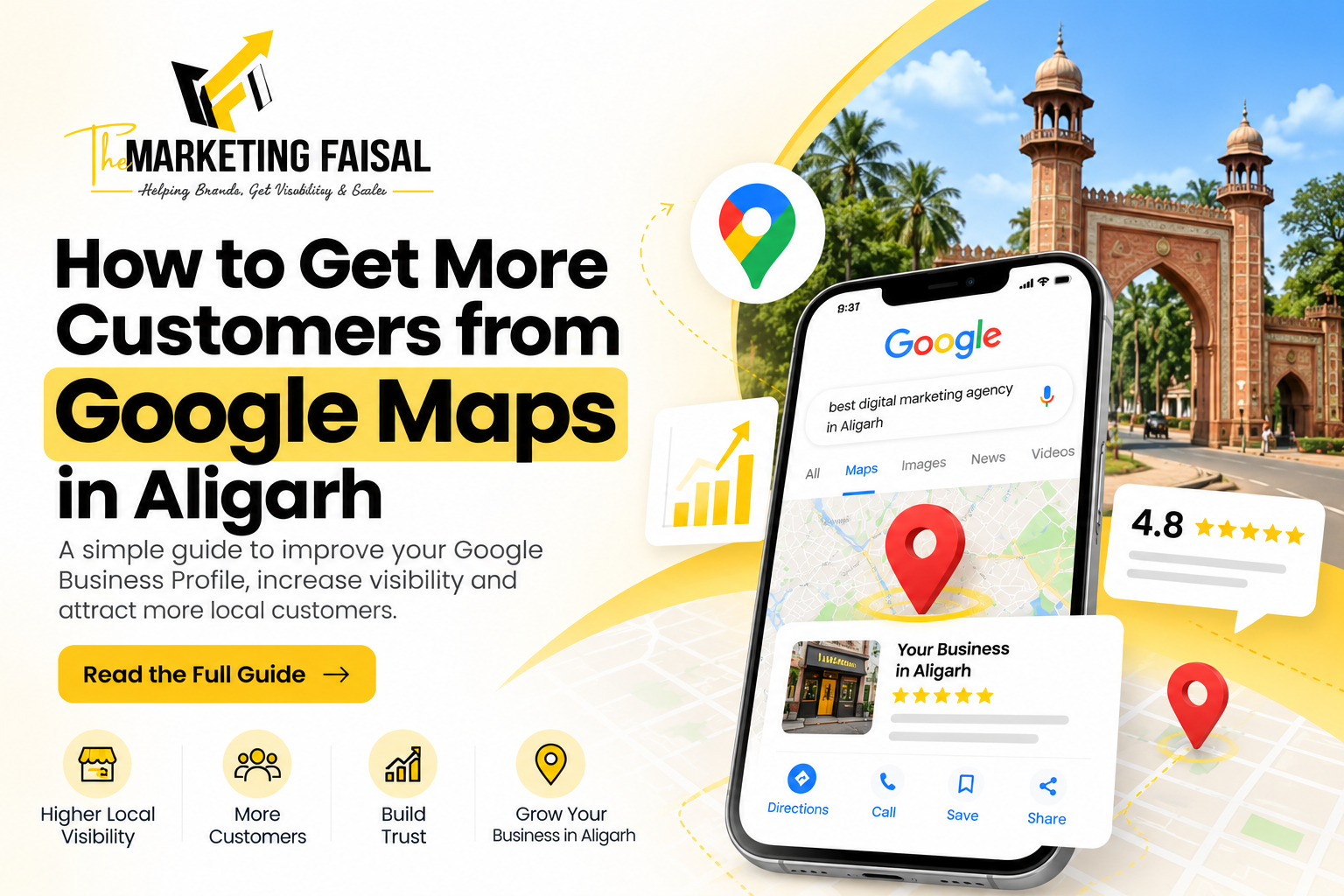
For example, when someone searches for a service in Aligarh, Google may display a map with a selection of relevant local businesses. These results are often called the local pack or map pack.
Appearing in these results can help customers:
- Discover your business.
- Call you directly.
- Get directions to your location.
- Visit your website.
- Read customer reviews.
- Understand your products or services before contacting you.
Google Maps can be particularly useful for clinics, coaching centres, restaurants, salons, retail shops, repair services, consultants, and other local businesses.
1. Create and Verify Your Google Business Profile
The first step is to create or claim your Google Business Profile.
Visit Google Business Profile and follow the instructions to add or claim your business.
If a listing already exists for your business, check whether you can claim and manage it instead of creating a duplicate.
Complete the verification process using the method Google makes available to your business.
Why does verification matter?
It helps you establish control over your listing and access the tools needed to manage your business information.
Once your profile is verified, review every section carefully.
2. Choose the Right Business Category
Your primary business category helps Google understand what your business does.
Choose the category that most accurately describes your main service rather than selecting a category only because it contains a popular keyword.
For example:
- A dental clinic should select the most appropriate dental category.
- A coaching centre should choose a relevant education category.
- A restaurant should select the category that best describes its restaurant type.
- A digital marketing agency should select the closest available category for its core business.
You can add relevant additional categories when they genuinely describe other services your business provides.
Practical tip: Review the categories used by established competitors in Aligarh, but do not copy them blindly. Your category should accurately reflect your own business.
3. Complete Every Important Profile Detail
An incomplete profile can leave potential customers with unanswered questions.
Make it easy for people to understand what you offer, where you operate, and how to contact you.
Check the following details:
- Business name: Use your real-world business name. Avoid adding extra keywords that are not part of your actual name.
- Address: Enter your accurate business address if customers visit your location.
- Phone number: Use a working number that customers can reach.
- Website: Link to the correct website.
- Opening hours: Keep regular and special hours updated.
- Services: Add the services your business actually provides.
- Business description: Explain what you do, whom you serve, and which locations you serve.
- Photos: Add genuine images of your premises, team, products, work, or facilities where appropriate.
If you serve customers at their locations rather than at a storefront, configure your profile according to Google’s guidelines for service-area businesses.
Do not create a fake address or use a virtual office simply to appear in another part of Aligarh.
4. Use Local Information Naturally
If your business serves Aligarh, make that clear wherever it is relevant.
For example, a business description might say:
“We provide social media management, search engine optimization, and website development services to businesses in Aligarh and nearby areas.”
A coaching centre might explain which courses it offers and where its centre is located.
A clinic could describe its specialties, consultation arrangements, and location.
The objective is to help customers understand your business and its local relevance.
Avoid repeatedly inserting phrases such as “best business in Aligarh” into your business name, description, and every other field. Keyword repetition does not guarantee better rankings and can make your content look unnatural.
5. Add Genuine, High-Quality Photos
Photos help potential customers understand what to expect before they visit or contact you.
Depending on your business, consider adding:
- Exterior and interior photos.
- Team and staff photos.
- Product photos.
- Photos of completed projects.
- Facilities and equipment.
- Genuine examples of your work.
For example, a restaurant can show its food and seating area. A coaching centre can show its classrooms and facilities. A digital marketing agency can showcase real projects and relevant case studies, with permission where needed.
Use clear, authentic images rather than relying entirely on generic stock photos.
Keep your photos reasonably current, especially when your premises, products, or services change.
6. Get More Genuine Customer Reviews
Customer reviews help potential buyers evaluate your business before making a decision.
A business with detailed, genuine reviews can give customers more confidence than a listing that provides little information about previous customer experiences.
To encourage reviews:
- Ask satisfied customers to share honest feedback.
- Send them your Google review link after completing a service or sale.
- Make the process simple and convenient.
- Respond professionally to positive and negative reviews.
- Use feedback to identify areas where your business can improve.
For example, after completing a project, you could send a short message:
“Thank you for choosing us. If you have a moment, we would appreciate your honest feedback about your experience. Your review helps us improve and helps other customers make informed decisions.“
Do not buy reviews, create fake customer accounts, or offer rewards in exchange for positive reviews. Follow Google’s review policies.
Remember: The goal is not simply to collect a large number of reviews. It is to build a credible reputation through real customer experiences.
7. Keep Your Website Consistent With Your Google Listing
Your Google Business Profile and website should communicate consistent business information.
Check that your business name, phone number, address where applicable, and services are accurate across both.
Your website should also explain what you offer and make it easy for visitors to contact you.
For better local SEO, consider creating useful service pages that explain:
- What the service includes.
- Which customers it helps.
- How your process works.
- What makes your approach different.
- How customers can get started.
For example, a digital marketing agency targeting Aligarh businesses could have dedicated pages for SEO services, social media management, and website development.
These pages should provide genuine value rather than repeating the same content with different city names.
You can also publish helpful local content that answers real customer questions.
8. Build Local Relevance Through Trusted Listings
Your business may appear on relevant local directories, industry websites, professional associations, and other trusted platforms.
Accurate business information across these sources can help customers discover you and reinforce your business identity.
Start with platforms that genuinely matter to your industry and location.
Check that your business details are consistent, particularly your name, address, and phone number.
Avoid submitting your business to hundreds of low-quality directories just to build links. Focus on credible, relevant sources that customers might actually use.
9. Use Google Business Profile Posts and Updates
Where the feature is available for your profile, use Google Business Profile updates to share useful information with potential customers.
Depending on your business, you might publish:
- New service announcements.
- Seasonal offers.
- Upcoming events.
- New products.
- Helpful updates.
- Important changes to your business.
For example, a coaching centre might announce a new batch, while a restaurant could share a seasonal menu update.
Keep your information accurate and include a relevant action when appropriate, such as calling, visiting your website, or learning more.
Posts are not a guaranteed way to improve rankings. Their value is in keeping customers informed and helping them understand what your business offers.
10. Track Whether Google Maps Is Bringing Customers
Improving visibility is only part of the job. You also need to understand whether that visibility leads to meaningful business results.
Use the performance data available in your Google Business Profile to review relevant interactions, such as:
- Searches that show your profile.
- Views and other available visibility metrics.
- Website clicks.
- Phone calls.
- Requests for directions.
- Other available customer interactions.
The metrics and reporting options may vary by profile and over time.
Compare results over several weeks or months rather than judging performance from a single day.
You can also ask new customers how they discovered your business. This helps you understand whether Google Maps is contributing to enquiries and sales.
Important: More profile views do not automatically mean more customers. Track calls, qualified enquiries, bookings, and sales wherever possible.
11. Avoid These Common Google Maps Marketing Mistakes
Many businesses create a profile but fail to manage it properly.
Avoid these mistakes:
Using the wrong business category: Select categories that accurately describe your services.
Leaving information outdated: Incorrect phone numbers, opening hours, or addresses can cost you potential customers.
Keyword stuffing the business name: Use your legitimate business name and follow Google’s guidelines.
Ignoring customer reviews: Respond professionally and use feedback to improve your service.
Using fake addresses: Represent your actual business location or service area correctly.
Creating duplicate profiles: Manage existing listings instead of creating unnecessary duplicates.
Neglecting your website: A useful, trustworthy website can give potential customers more information before they contact you.
Expecting immediate rankings: Local search visibility depends on several factors, and improvement is not guaranteed within a fixed number of days.
How Long Does It Take to Get Results From Google Maps?
There is no guaranteed timeline for improving your Google Maps visibility.
Some profile improvements can make your information more useful immediately, but changes in local search visibility and customer enquiries may take longer.
Results depend on factors such as your business category, location, competition, profile completeness, reputation, and the relevance of your services to a search.
A practical approach is to:
- Complete and verify your profile.
- Correct inaccurate information.
- Encourage genuine reviews.
- Improve relevant website pages.
- Monitor performance consistently.
- Adjust your approach based on the data.
Avoid anyone promising a guaranteed first position on Google Maps within a specific number of days.
How The Marketing Faisal Can Help Your Business in Aligarh
At The Marketing Faisal (TMF), we help businesses improve their digital presence through SEO, local search optimization, social media management, website development, and related digital marketing services.
If potential customers are searching for your products or services but struggling to find your business, it may be worth reviewing how your business appears across Google Search, Google Maps, and your website.
A local SEO review can help identify gaps in your business profile, website content, local visibility, and customer journey.
Our focus is on helping businesses communicate their value clearly, reach relevant audiences, and turn online discovery into meaningful enquiries.
If you want to improve your local online presence, visit The Marketing Faisal to explore our services or contact us to discuss your business goals.
Frequently Asked Questions
1. How can I get my business on Google Maps in Aligarh?
Create or claim a Google Business Profile, provide accurate business information, and complete Google’s verification process. Make sure your profile follows Google’s eligibility and representation guidelines.
2. How can I improve my business ranking on Google Maps?
Start by choosing an accurate primary category, completing your profile, keeping your information current, earning genuine customer reviews, and improving your website’s local relevance. Google considers relevance, distance, and prominence when determining local results, so rankings can vary by search and location.
3. Does Google Maps marketing help small businesses?
It can help eligible local businesses become easier to discover when nearby customers search for relevant products or services. The impact depends on the business, competition, search demand, and how effectively the business converts enquiries into customers.
4. How many Google reviews does my business need?
There is no universal number that guarantees better rankings or more customers. Focus on collecting genuine reviews consistently, providing a good customer experience, and responding professionally to feedback.
5. Can my business appear on Google Maps without a website?
Eligible businesses can have a Google Business Profile without their own website. However, a useful website can provide additional information about your services, build trust, and help potential customers take the next step.
6. How can I track customers coming from Google Maps?
Review the performance metrics available in your Google Business Profile, including relevant calls, website clicks, and direction requests. You can also ask customers how they found you and track enquiries or bookings in your business records.
7. Can an SEO agency guarantee the top position on Google Maps?
No responsible agency can guarantee a specific Google Maps position. Rankings depend on multiple factors, including relevance, distance, prominence, and competition. An agency can improve your profile and website and monitor progress, but it cannot control Google’s ranking decisions.
Final Thoughts
Google Maps can be an important discovery channel for local businesses in Aligarh, but creating a listing is only the first step.
You need accurate business information, a trustworthy profile, genuine reviews, a helpful website, and a consistent process for measuring results.
Start by fixing the basics, then improve your local presence over time.
When customers can find your business, understand what you offer, and trust what they see, you give them a clearer path from searching online to contacting you.
- Business Name: The Marketing Faisal
- Location: The Marketing Faisal, By-Pass, near Cricket 360, Raza Nagar, Quarsi, Aligarh, Uttar Pradesh 202001
- Phone: +91 84397 97099
- Email: info@themarketingfaisal.com
- Website: themarketingfaisal.com